how can we protect Android mobiles from hackers, and what are all the measures we can take to prevent being hacked
Protecting Android mobile devices from hackers requires a combination of good security practices and implementing some practical measures. Here are some steps you can take to enhance the security of your Android device:

1. Keep your device up to date: Regularly update your Android operating system and installed apps. Updates often contain security patches that address vulnerabilities.
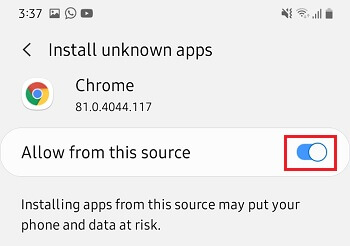
2. Install apps from trusted sources: Only download apps from the official Google Play Store or other reputable app stores. Avoid sideloading apps from unknown sources, as they may contain malware.
%20-%20refresh/img_17.png?width=400&name=img_17.png)
3. Be cautious with app permissions: Review app permissions before installing them. Avoid granting unnecessary permissions that could compromise your privacy or security. Be wary of apps that request access to sensitive information or features they don't need.
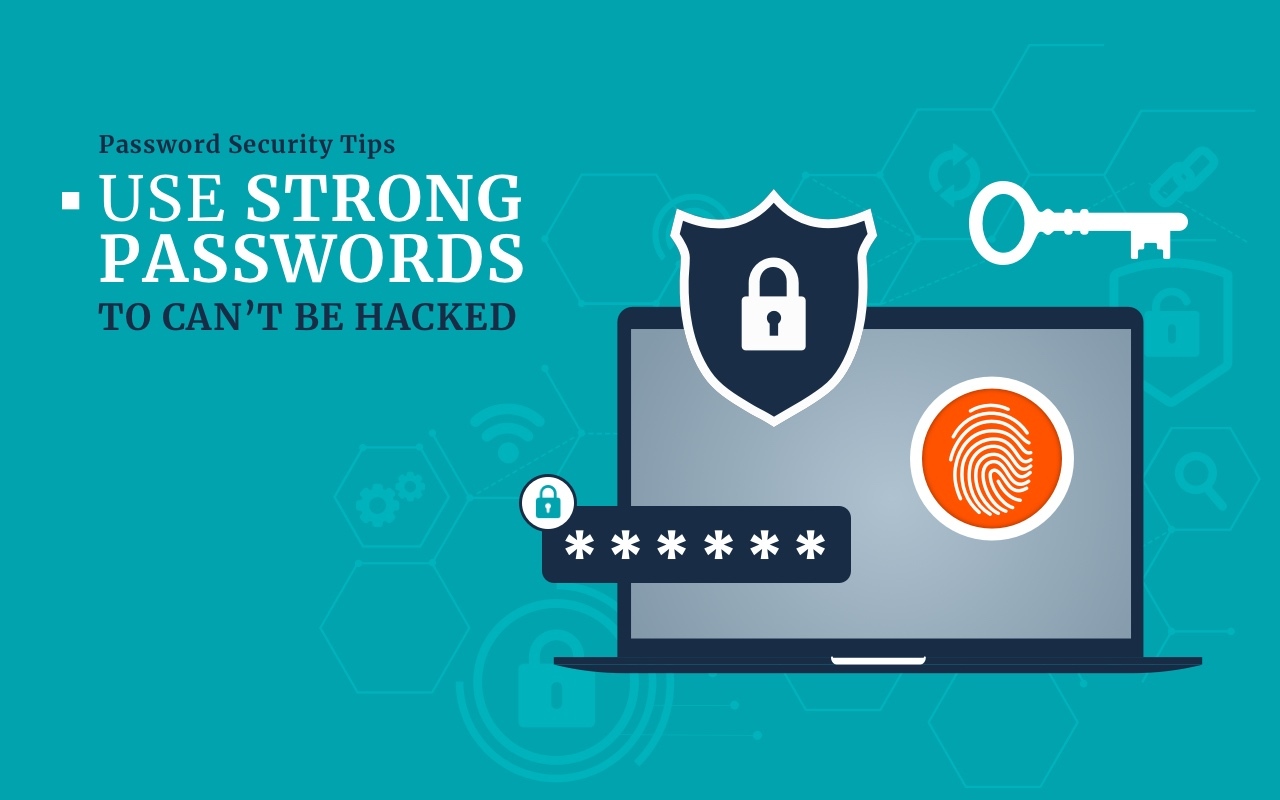
4. Use strong, unique passwords: Set strong, complex passwords for your device lock screen, email accounts, and other important apps. Avoid using easily guessable passwords and consider using a password manager to securely store your credentials.
5. Enable two-factor authentication (2FA): Enable 2FA whenever possible for your Google account and other online services. This adds an extra layer of security by requiring a second verification step, such as a code sent to your phone, in addition to your password.
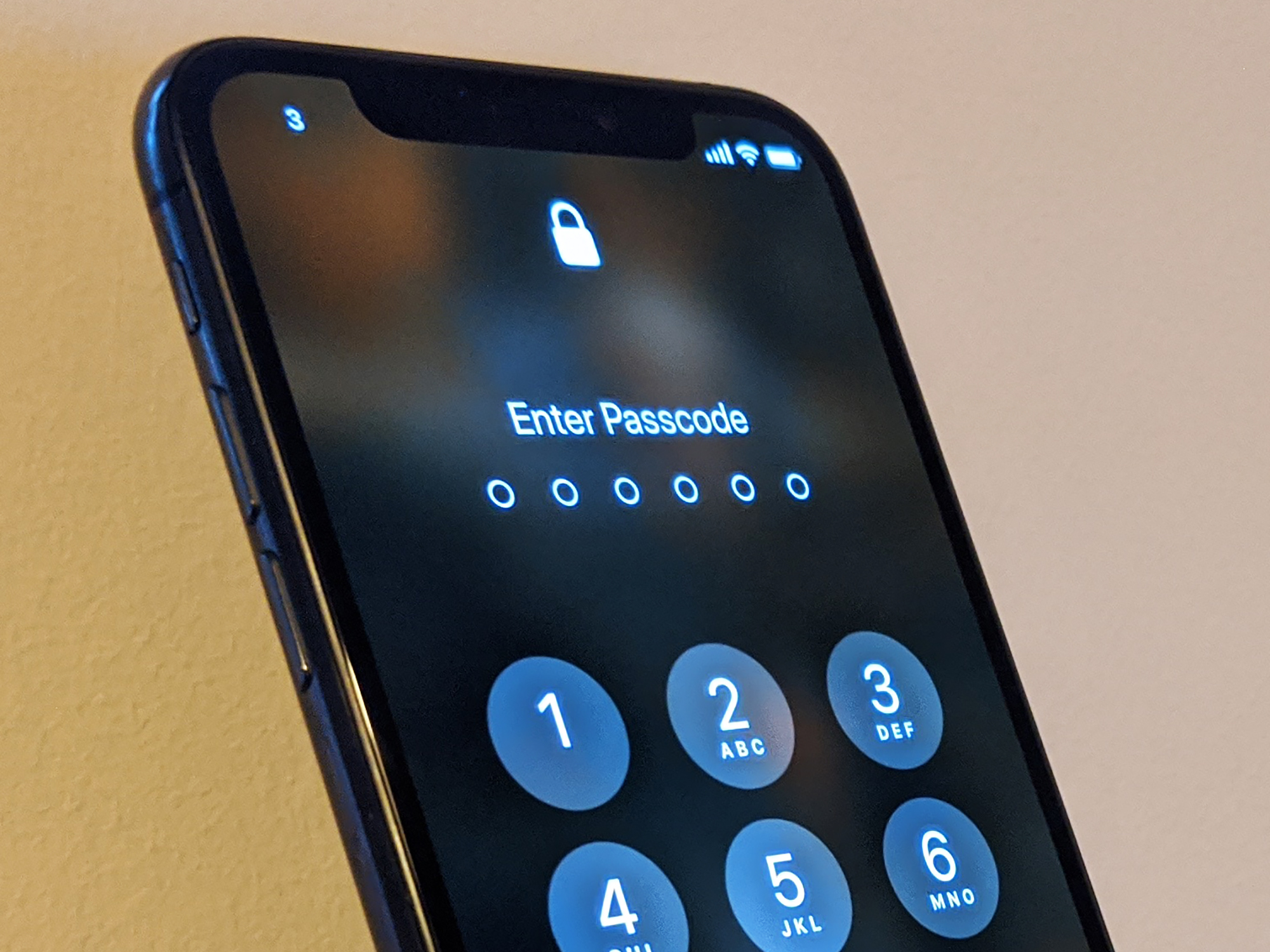
6. Use a secure lock screen: Set up a PIN, pattern, or password to lock your device when it's not in use. This prevents unauthorized access in case your device gets lost or stolen.
7. Be cautious of public Wi-Fi networks: Avoid connecting to unsecured or public Wi-Fi networks, as they can be exploited by hackers. If you must use public Wi-Fi, consider using a VPN (Virtual Private Network) to encrypt your internet traffic.

8. Regularly back up your data: Create regular backups of your important data, such as contacts, photos, and documents. This ensures you can recover your information if your device is compromised or lost.
9. Install reliable security software: Use reputable antivirus and security apps from trusted vendors to scan for and protect against malware and other threats. Look for apps with good reviews and high download numbers.

10. Be cautious of phishing attempts: Avoid clicking on suspicious links or downloading attachments from unknown sources, especially in emails or messages. Be vigilant and verify the legitimacy of requests for personal information or account credentials.

11. Disable unnecessary features: Disable or limit features like Bluetooth, NFC, and location services when you're not using them. This minimizes the potential attack surface and conserves battery life.
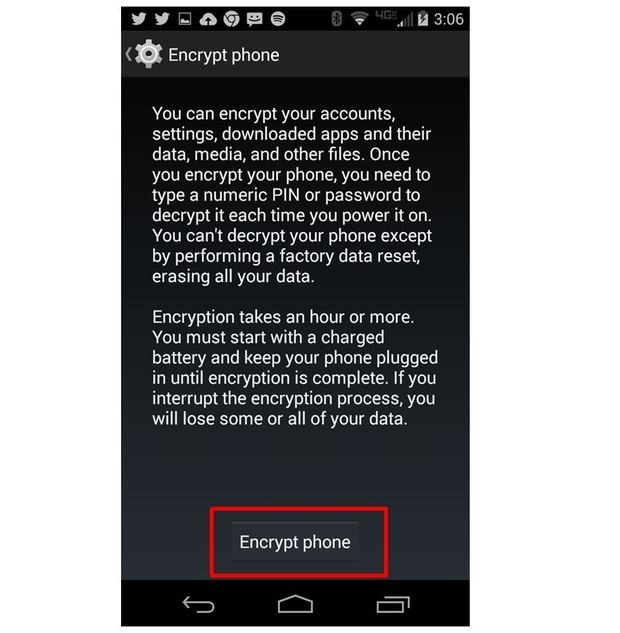
12. Encrypt your device: Enable device encryption to protect your data from unauthorized access if your device falls into the wrong hands. You can find the option to encrypt your device in the security settings.
13. Review app permissions periodically: Regularly review the permissions granted to your installed apps and revoke any permissions that are no longer necessary.

14. Educate yourself about mobile security: Stay informed about current security threats and best practices for mobile security. Follow reputable technology blogs and security websites to learn about the latest trends and how to protect yourself.
By following these practical steps, you can significantly enhance the security of your Android mobile device, even if you're not a technical expert.
Join the conversation